
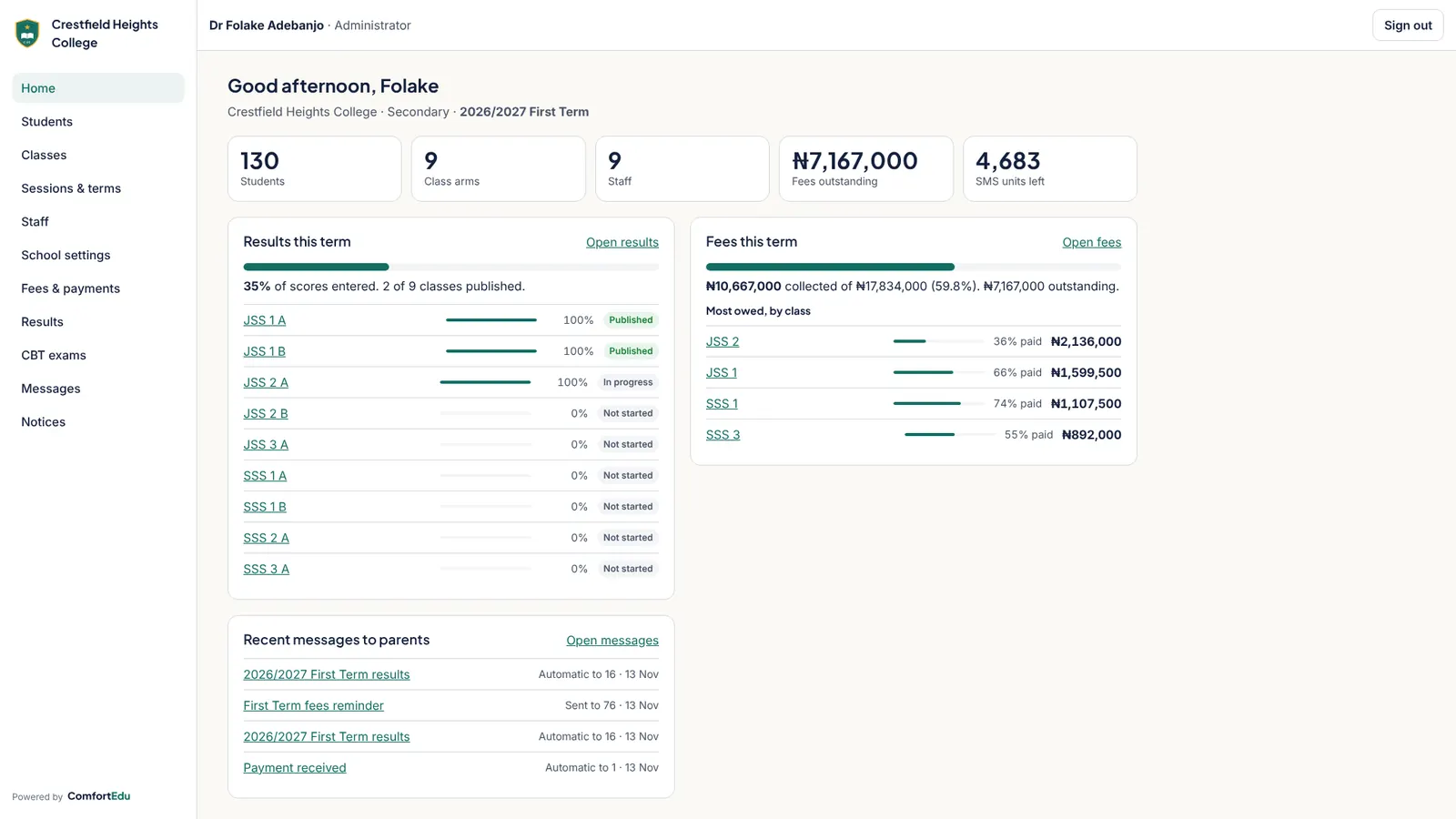
There are many school management systems on the Nigerian market. Most demos look good. The differences show up in term two, when fees are due, results are late and parents are calling. Use this checklist before you sign.
Money
- Where do fees go? Insist that online payments settle straight into the school’s own bank account, not the vendor’s. Ask how settlement works and how long it takes.
- Can it handle bank tellers? Most parents will still pay at the bank for a while. There must be a simple way to record, check and approve those payments.
- Can you see who owes, live? Ask to see the debtors list update after a payment is approved.
Results
- Does it fit your grading? Your CA and exam split, your grade scale (A1 to F9, A to F or GPA) and your report card layout, not the vendor’s.
- Does it compute positions correctly, including ties? Ask for a demo with two students on the same average.
- Can teachers enter scores on a phone, or upload a spreadsheet, without training?
Parents and students
- What does the parent see? A parent with three children should see all three with one login: fees, receipts, notices and report cards.
- Does it work on a cheap Android phone over a slow connection, without a big app download?
- How are parents told things? SMS reaches every phone; WhatsApp and email are cheaper extras. Ask how SMS is billed so there are no surprises.
Safety and trust
- How is your data kept apart from other schools? Look for strict separation in the database, role-based access (a teacher should not see fees), and HTTPS. Ask about the Nigeria Data Protection Act. Our guide to the NDPA for schools explains what to look for.
- Can you get your data out? You should be able to export students, fees and results if you ever leave.
The deal
- What will it really cost, and who pays? Ask for the total per term at your size, the onboarding cost, and what happens when you add students. Ask whether a tech fee on bills can cover it.
Red flags
- The vendor collects fees into its own account and pays you later.
- "Custom" report cards that take weeks and cost extra every term.
- No way to talk to a real person during exam and result periods.
- Features in the brochure that are "coming soon" in the demo.
Where ComfortEdu stands
We built ComfortEdu around this list: fees straight to your bank through Paystack, a teller approval queue, your own grading and report card, parents on any phone, strict data separation, and pricing designed to pay for itself through a tech fee. We also tell you plainly what is not built yet. Book a free demo and test us against every point.